 RingTime
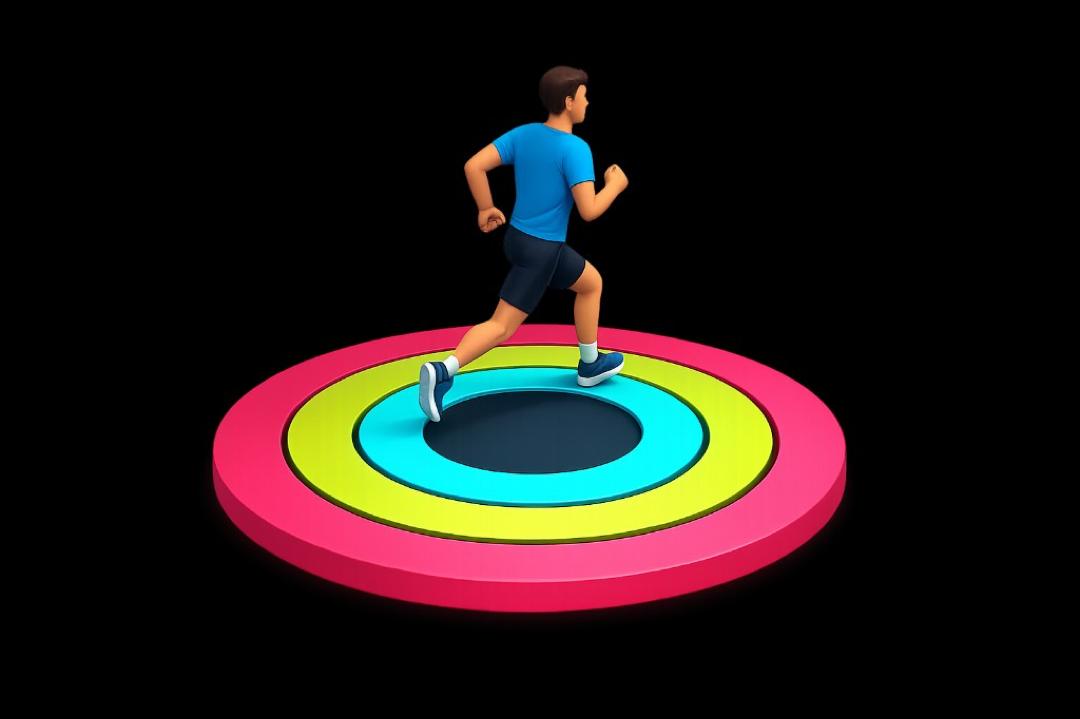
Close your rings
Hit your Move, Exercise and Stand goals — the same rings you already track. Steps and workouts count too.
iOS · Apple Health · Screen Time
Move more. Earn more. RingTime turns the rings you already close into minutes you can spend on the apps you chose to limit.
Coming soon on the App Store for iPhone.
The loop
RingTime uses your Apple Health activity to limit the time you spend on distracting apps. Three steps. The same rings you already know.
Hit your Move, Exercise and Stand goals — the same rings you already track. Steps and workouts count too.
Every calorie burned and exercise minute completed earns you more screen time. You set the exchange rate.
Spend what you earned on the apps you chose to limit. Run out and they lock again until you move, or until morning.
Built for a real day
Limited apps are shielded by default. Opening them is a decision, not a leftover from yesterday’s willpower.
Calories, exercise minutes, stand hours, steps and workouts each have their own rate. Partial units pay nothing, and there is no ceiling on a good day.
Pick 2, 5, 10, 15, 20, 30, 45 minutes or an hour — only lengths your balance can cover. Locking early keeps whatever is left on the clock.
Goal changes wait until tomorrow. The time you already earned is never rescored, so the number on Home only moves because of what you did.
Optional uninstall protection blocks app deletion and locks the clock to network time, so a weak moment cannot delete the app or skip ahead to a new day.
Your rates
Every day starts with a free hour. On top of that, the defaults pay five minutes for every 100 calories, 10 exercise minutes, 2 stand hours, 2,500 steps, or workout. Drag a typical day and read the total.
On your phone
RingTime needs two permissions, and both are used for one job: turn activity into a balance, then enforce it.
Health tells RingTime what you have earned. Screen Time is how the apps you picked stay locked until you spend that time on purpose. Everything else — the plan, the balance, the history — lives with you.
RingTime is coming to the App Store. Questions about the app, press, or partnerships — write to us.